liwei2633/gopeed
A modern download manager.
500K+
liwei2633/gopeed repository overview








Introduction
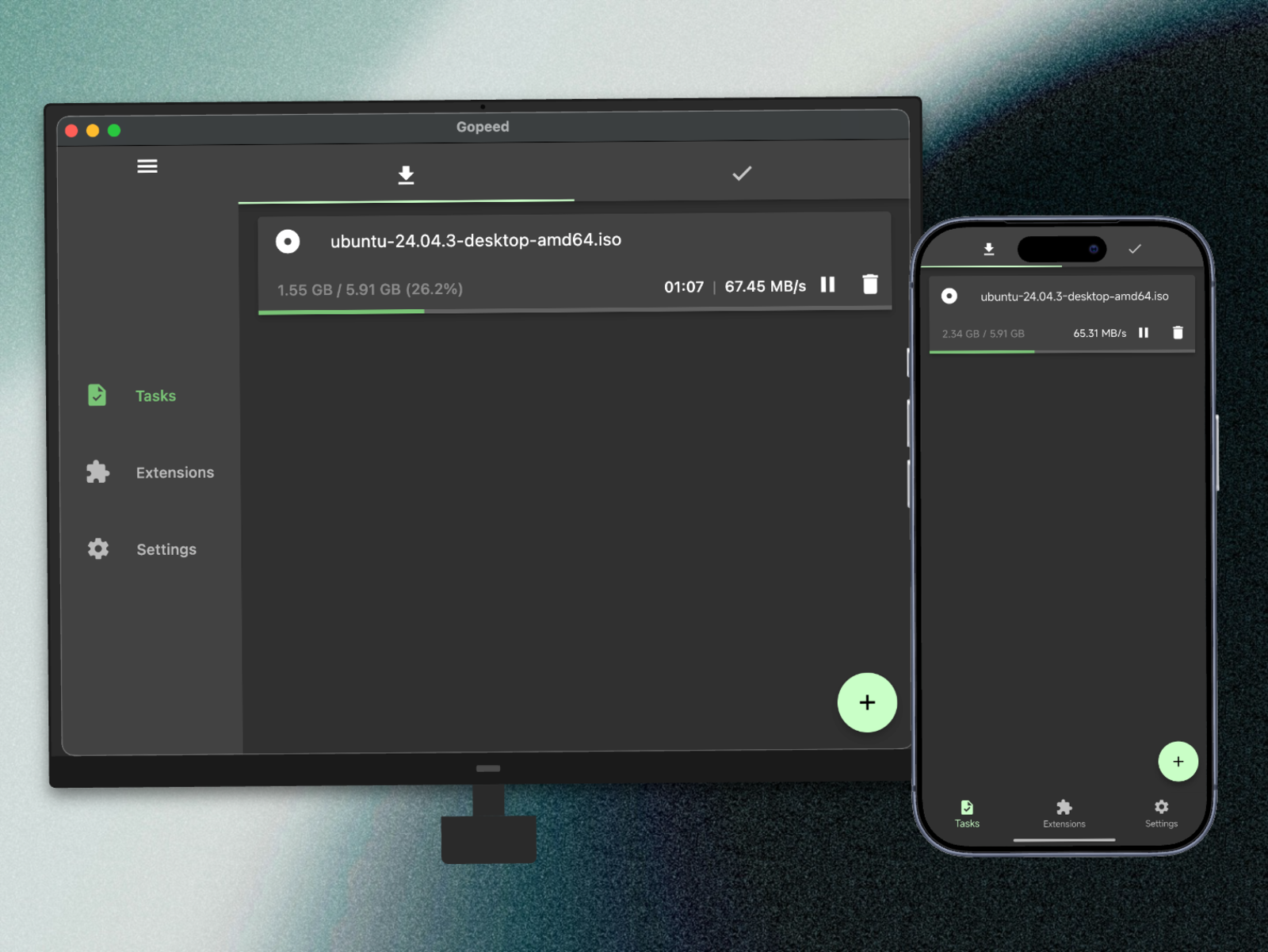
Gopeed (full name Go Speed), a high-speed downloader developed by Golang + Flutter, supports (HTTP, BitTorrent, Magnet) protocol, and supports all platforms. In addition to basic download functions, Gopeed is also a highly customizable downloader that supports implementing more features through integration with APIs or installation and development of extensions.
Visit ✈ Official Website | 📖 Develop Docs
Quick Start
One line of command:
docker run --name gopeed -d -p 9999:9999 liwei2633/gopeed
Mount the download directory
docker run --name gopeed -d -p 9999:9999 \
    -v /path/to/download:/app/Downloads \
    liwei2633/gopeed
Mount the data directory
docker run --name gopeed -d -p 9999:9999 \
    -v /path/to/download:/app/Downloads \
    -v /path/to/storage:/app/storage liwei2633/gopeed
Specify container group ID and user ID
docker run --name gopeed -d -p 9999:9999 \
    -e PGID=100 \
    -e PUID=1000 \
    liwei2633/gopeed
If you need to enable identity authentication, you can pass environment variable parameters (refer to the previous section Web Configuration):
docker run --name gopeed -d -p 9999:9999 \
    -e GOPEED_USERNAME="admin" \
    -e GOPEED_PASSWORD="123" \
    -v /path/to/download:/app/Downloads \
    -v /path/to/storage:/app/storage \
    liwei2633/gopeed
When the docker container is running, you can access the web page through http://localhost:9999.
More parameters
Please refer to Web Configuration
Donate
If you like this project, please consider donating to support the development of this project, thank you!
Showcase
Tag summary
Content type
Image
Digest
sha256:3ad627407…
Size
41.5 MB
Last updated
7 months ago
docker pull liwei2633/gopeed